I want to be a person that sits on the command line, but I’m just not.
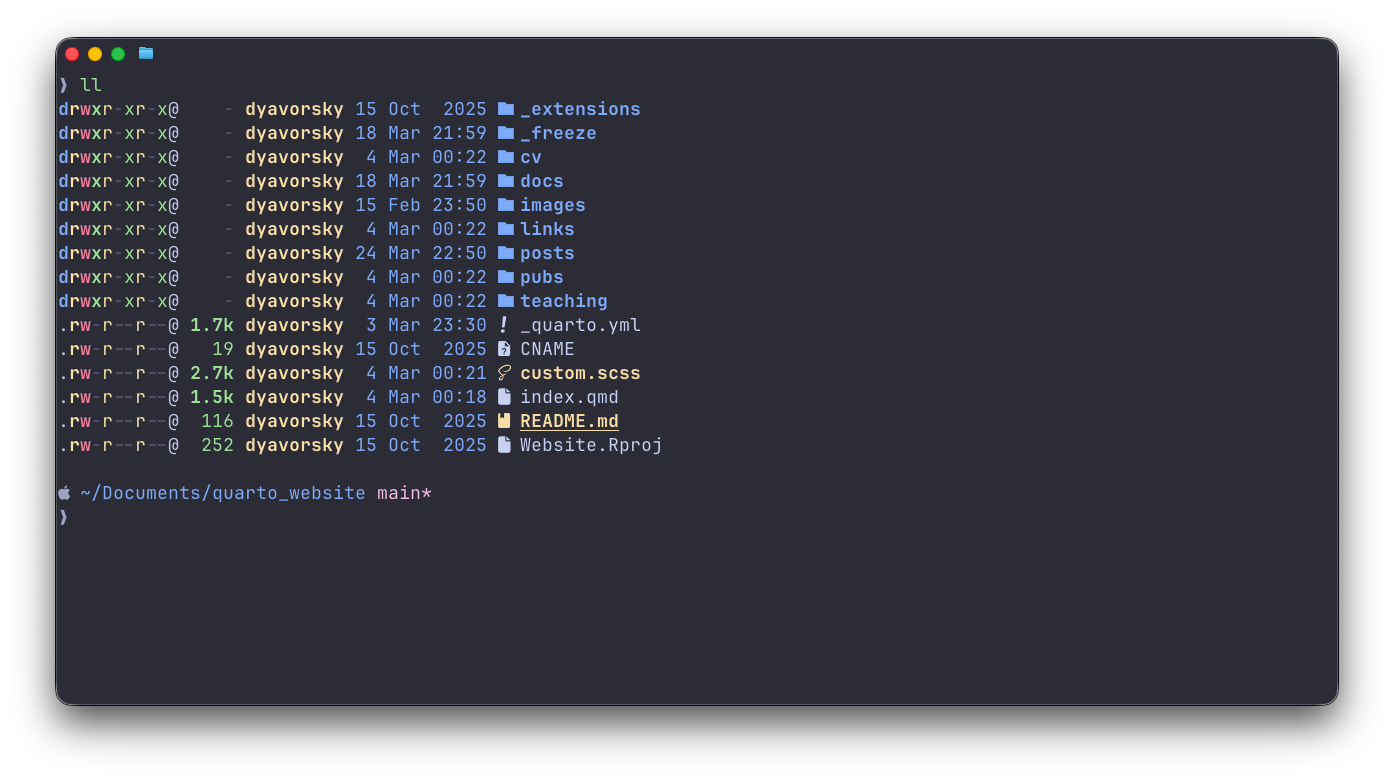
For the rare times that I do, I use the Ghostty terminal application with Mac’s default zsh shell.
Start by getting Homebrew, a package manager (ie, an app store you access from the terminal). This lets you install apps and utilities by typing a simple command brew install fzf instead of hunting for downloads online.
My preferred configurations include:
- ghostty config: I use the Catppuccin Mocha theme
- prompt config: I use Starship,
- zsh config:
- zsh-autosuggestions
- zsh-syntax-highlighting
- eza, a modern ls
- bat, a modern cat
- ripgrep, a modern grep
- fzf, the ubiquitous fuzzy finder
- yazi, the visual file manager
- along with vim keybindings and a shortlist of aliases
It’s unremarkable. The config file can be found on my github here.